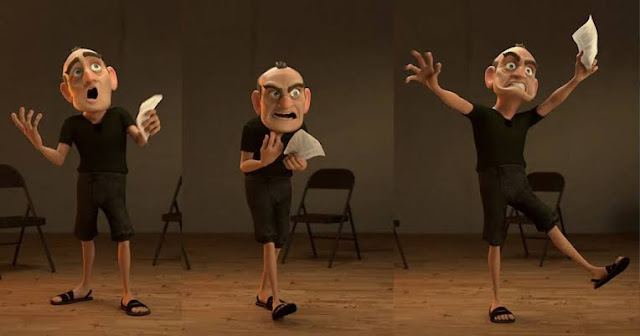
Step 2: Posing This is the stage of creating the key poses from your video shot. As they sound " key poses " are the most important poses of the shot. Step 3: Blocking This process is almost similar to posing though it is with the character being Animated. Once all the key poses are set. Blocking starts. This is the breaking down the movement from each pose to the next, these are the poses that connect the key poses. Remember at this stage the Animation is in a blocky motion don't worry. Step 4:Splinting, Smoothing and offset This is the process of converting the blocked Animation to a spline motion. This is the smoothing of the animation to movements that look real. Smoothing is more of cleaning up all animation curves or key frames. Offset is the finishing process. Step 5: Realism addition (Adding life) This is the most fun stage of animating. Here you are done with all the animations needed and you are fully happy with your animation. This is the addition of extra...


.jpeg)
Comments
Post a Comment